This is the part 3 of the series of articles which explains complete setup of VPN in windows serverenvironment.
Configure Logs
To maintain the security and the monitor the issues involve with the remote access it’s important to configure proper logs. NPS keeps separate logs for this process. In below I will demonstrate how to configure these logs.
1. Open the network policy server mmc.
2. In the console click accounting.
2. In the console click accounting.
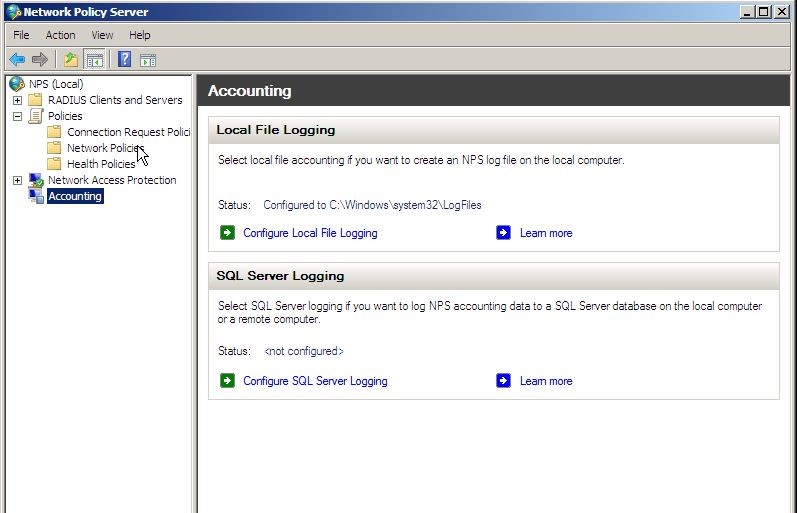
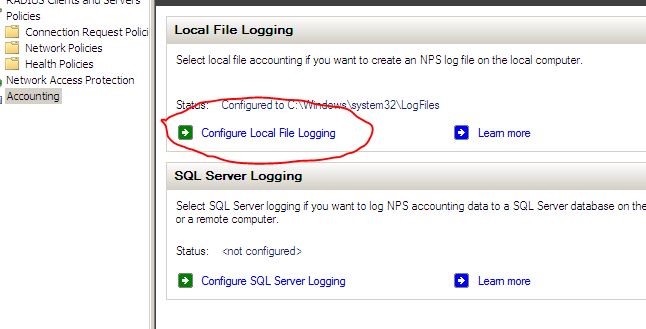
3. In the detail panel click configure local file logging. Then local file logging box will open.
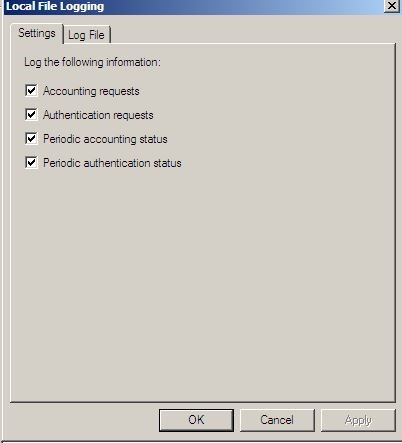
4. On the log file tab, it is possible to define the directory the log files should store. Also by selecting “database-compatibility” the files will be save on IAS format which allow to open it from database level.

